Difference between revisions of "Paintings"
From Craftland Minecraft Aether Server
| (16 intermediate revisions by 4 users not shown) | |||
| Line 1: | Line 1: | ||
| − | [[ | + | <iteminfo name="Empty Painting"/> |
| + | A painting can be used to either load the default minecraft textures or load almost any image file from a given URL. | ||
| + | ==Recipe== | ||
| + | <recipe name="Empty Painting"/> | ||
| + | ==How to make a custom image== | ||
| + | Craft a new painting or get a used one and rightclick into the air while holding it. | ||
| + | <br>That will bring up the Painting GUI<br> | ||
| + | [[file:PaintingGUI.png|400px]] | ||
| + | <br /> | ||
| + | First you need to find a photo from the internet, just get any image URL. | ||
| + | ===Example=== | ||
| + | http://wiki.craftland.org/w/images/8/81/Zaniteblock.png | ||
| + | <br /> | ||
| + | [[file:Zaniteblock.png|100px]] | ||
| + | <br /> | ||
| + | Then post that URL in the text box. | ||
| + | <br /> | ||
| + | [[file:painting2.png|400px]] | ||
| + | <br /> | ||
| + | Then you will have to click "Load". | ||
| + | <br /> | ||
| + | [[file:paintingLoaded.png|400px]] | ||
| + | <br /> | ||
| + | To exit out of the GUI click "Ok". | ||
| + | <br /> | ||
| + | Now you can place your painting! | ||
| + | <br /> | ||
| + | [[file:troll.png|400px]] | ||
| + | [[Category:Item]] | ||
Latest revision as of 19:15, 11 July 2014
| Empty Painting | |
|---|---|
 | |
| Type | Item |
| ID | 321 |
| Max stacksize | 1 |
A painting can be used to either load the default minecraft textures or load almost any image file from a given URL.
Recipe
| Ingredients | Input >> Output | ||||||||||||
|---|---|---|---|---|---|---|---|---|---|---|---|---|---|
| Stick+ Wool |
|


How to make a custom image
Craft a new painting or get a used one and rightclick into the air while holding it.
That will bring up the Painting GUI

First you need to find a photo from the internet, just get any image URL.
Example
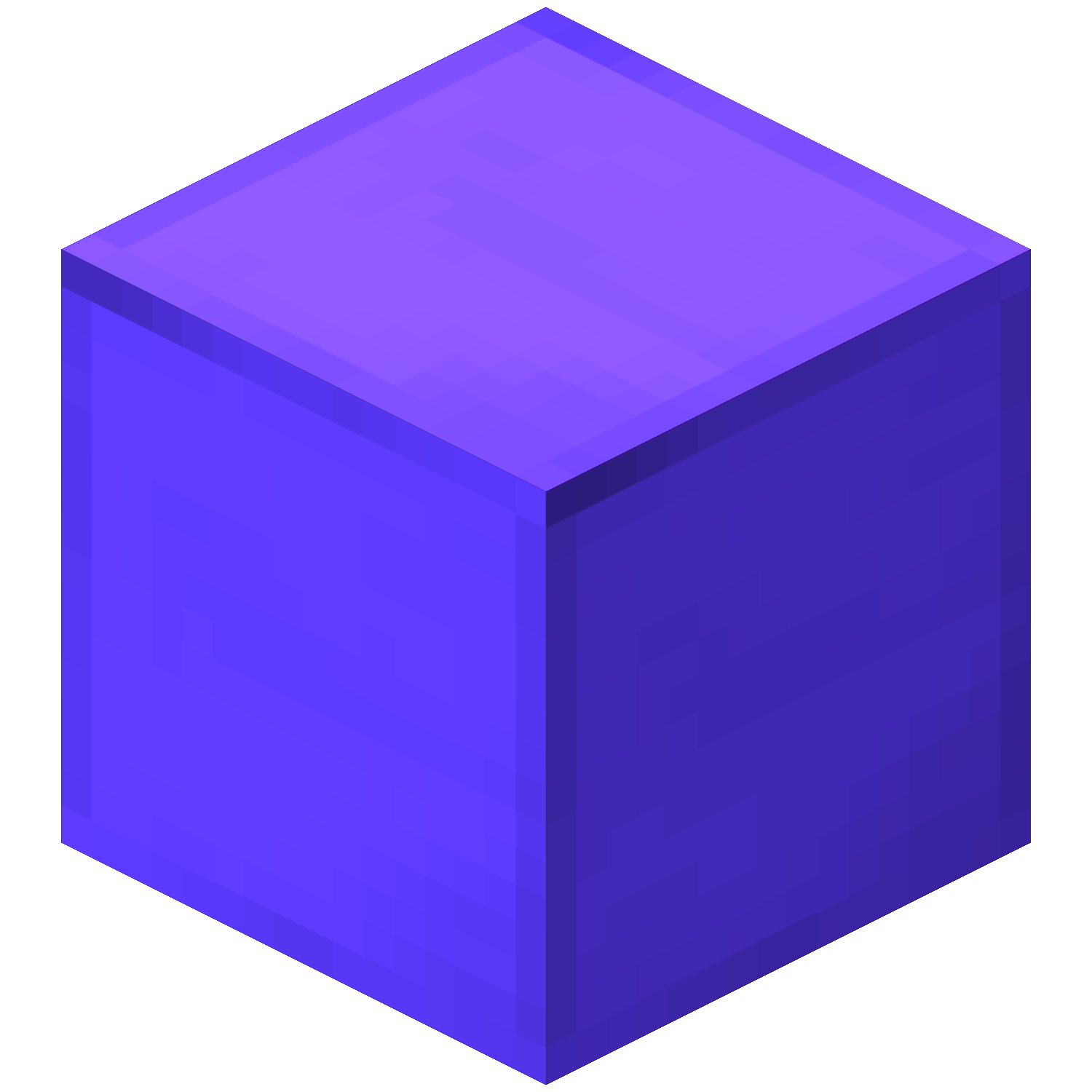
http://wiki.craftland.org/w/images/8/81/Zaniteblock.png

Then post that URL in the text box.

Then you will have to click "Load".

To exit out of the GUI click "Ok".
Now you can place your painting!